
How to take a screenshot in Sway using slurp, grim, and swappy
slurp lets you draw a box on screen and outputs the geometry.
grim grabs the pixels from your Wayland compositor.
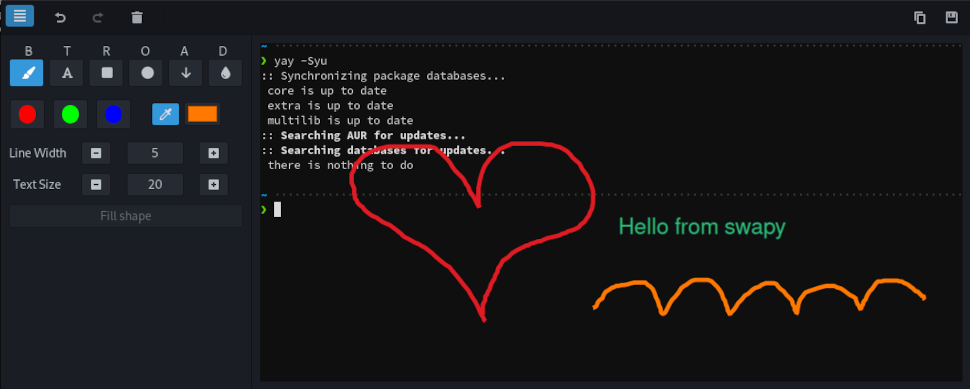
swappy is a lightweight screenshot editor for Wayland (think Snappy on macOS).
Install on Arch Linux
sudo pacman -S slurp grim swappy
Bind it to the Print key
Add this line to your Sway config: ~/.config/sway/config
bindsym Print exec grim -g "$(slurp)" - | swappy -f -
Reload Sway and you’re done.